
7 Google Business Profile Optimization Tips for 2026
For small and medium-sized businesses (SMBs) across the United States, the digital storefront is often more important than the physical one. When a customer in Chicago searches for “emergency plumber” or a boutique in Austin looks for “best vegan brunch,” they aren’t scrolling through pages of results. They are looking at the Local Pack.
Google Business Profile optimization is the single most effective way to ensure your business appears exactly when and where local customers are looking. In this guide, we’ll break down the exact steps you need to take to turn your profile into a lead-generating machine.
What is Google Business Profile Optimization?
It is the process of enhancing your business listing to improve its visibility in Google Maps and local search results. Think of it as SEO for your physical location. By providing Google with accurate, detailed, and engaging information, you increase your chances of ranking higher and converting searchers into shoppers.
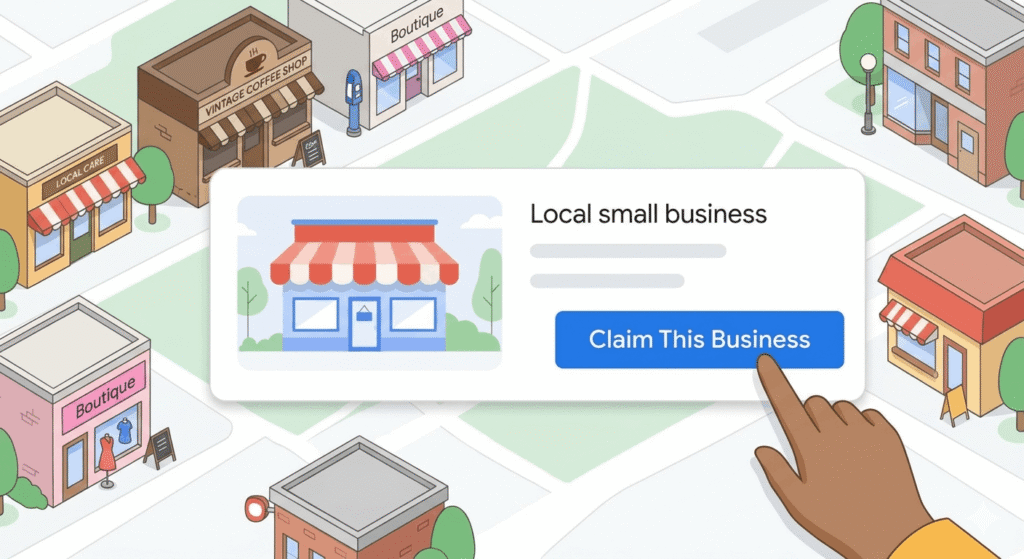
1. Claim and Verify Your Business
You cannot begin Google Business Profile optimization without full ownership of your listing. Many SMBs have “unclaimed” profiles generated by Google from third-party data.
- Action: Visit google.com/business.
- Tip: Choose the “postcard by mail” verification method if prompted, as it is the most standard for US addresses.
2. Master the NAP Consistency
Google’s algorithm prioritizes trust. If your Name, Address, and Phone number (NAP) are different on your website than they are on your profile, your rankings will suffer.
- Name: Use your real-world business name. Do not stuff it with keywords like “Best Pizza New York City” if that isn’t your legal name.
- Address: Ensure your suite numbers and street abbreviations (St. vs Street) match your official USPS records.
- Phone: Use a local area code rather than a toll-free 800 number to emphasize your local presence.
To avoid getting your account flagged or suspended, always ensure your details align with Google’s Official Guidelines for Representing Your Business.
3. Choose the Right Categories
Your primary category is a heavy hitter for Google Business Profile optimization. It tells Google exactly what you do.
- Primary Category: Choose the one that best describes your core business (e.g., “Italian Restaurant”).
- Secondary Categories: Add up to nine additional categories to cover niche services (e.g., “Catering,” “Pizza Delivery”).
4. Write a Compelling Business Description
You have 750 characters to sell your business. While you should mention your main services, avoid making it a list of keywords.
- Focus: Mention your history, what makes you unique, and use Google Business Profile optimization naturally within the text.
- Placement: Put the most important information in the first 250 characters, as the rest may be truncated in some views.
5. Leverage High-Quality Visuals
Profiles with photos receive 42% more requests for directions than those without. In the age of AI-driven search, Google “looks” at your images to verify what your business actually does.
- Exterior: Help people find your front door.
- Interior: Show the vibe of your office or shop.
- Team: Humanize your brand with photos of your staff in action.
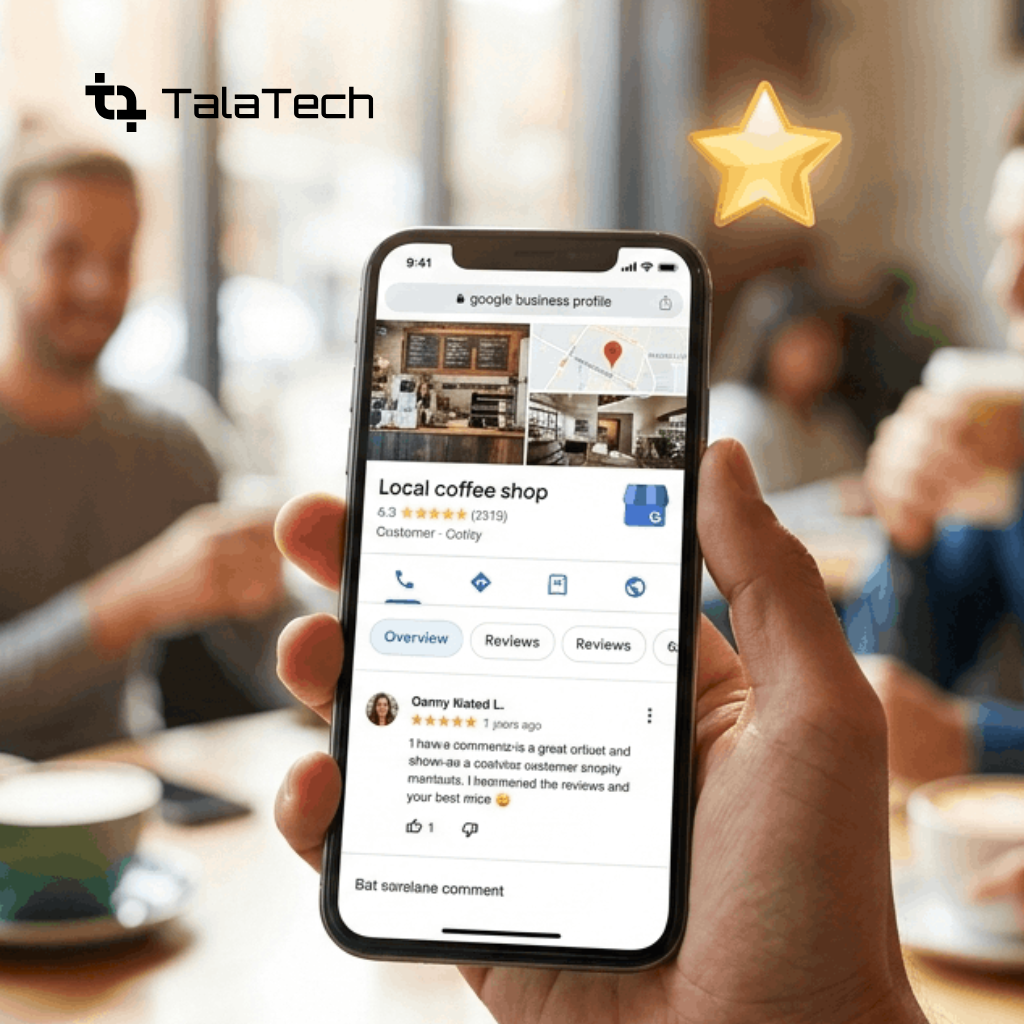
6. The Power of Reviews and Q&A
Social proof is the “secret sauce” of local SEO.
- Ask for Reviews: Don’t just wait for them. Send follow-up emails or display QR codes at your checkout.
- Respond to All: Reply to the good, the bad, and the ugly. It shows Google and potential customers that you are active and care.
- Pre-populate Q&A: You can actually ask and answer your own questions! Use this to address FAQs about parking, pricing, or specialized services.
7. Use Google Posts for Updates
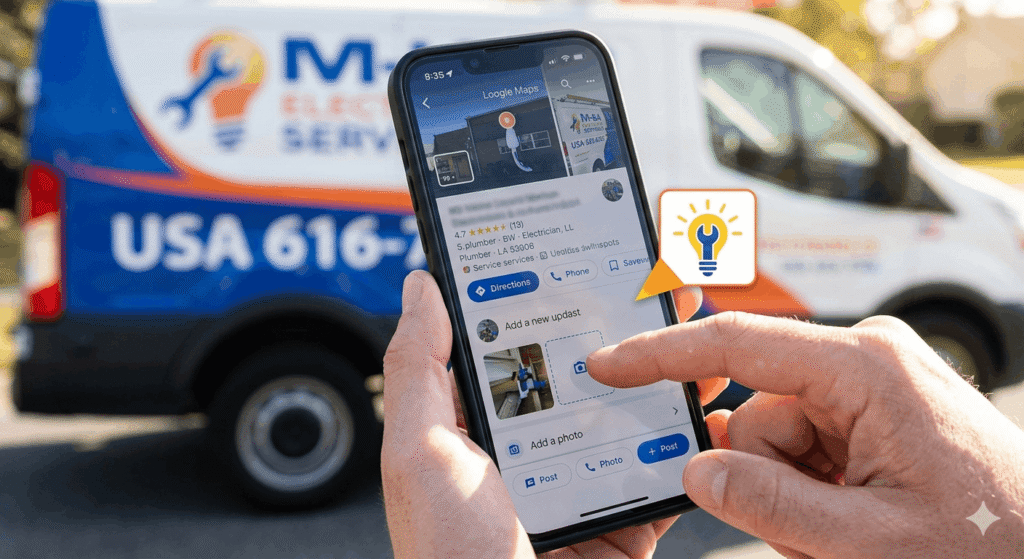
Think of Google Posts as a mini-social media feed for your profile. Regular updates signal to Google that your business is “alive.”
- Offers: Highlight discounts or seasonal sales.
- What’s New: Share a blog post or a new product arrival.
- Events: Promote upcoming workshops or grand openings.
While consistency is key, understanding the weight of different signals like proximity and review velocity is easier when you look at the latest Search Engine Journal: Local SEO Ranking Factors.
Why is Google Business Profile optimization important for 2026?
With the rise of Generative AI, Google’s Search Generative Experience (SGE) pulls data directly from your profile to answer user queries. If your profile is incomplete, AI-driven assistants might ignore your business entirely. Proactive Google Business Profile optimization ensures you stay relevant in an AI-first world.
Local search behavior is shifting rapidly; according to Moz: The State of Local Search, more users than ever are relying on map-based results to make instant purchasing decisions.
How do I rank #1 on Google Maps?
To rank #1, you must focus on relevance, distance, and prominence. This includes accurate categorization, being physically close to the searcher, and having high-quality reviews.
Does adding keywords to my business name help?
While it can provide a short-term boost, it is against Google’s Terms of Service and can lead to a profile suspension. It is better to use keywords in your description and posts.
How often should I update my profile?
Ideally, you should post an update once a week and respond to new reviews within 24 to 48 hours to maintain high engagement levels.
Elevate Your Online Presence with Talatech
Optimizing your digital footprint is a full-time job but you already have one of those. At Talatech, we specialize in comprehensive digital marketing services designed to put your brand in front of the right audience. From high-converting blog posts to precision Google Business Profile optimization, we handle the technical heavy lifting so you can focus on running your business.
Don’t let your competitors take your spot in the Local Pack. Let’s build a content strategy that drives real-world results.
Ready to dominate your local market? Contact Talatech today for a free content audit!
FAQs for US SMBs
Q: Can I manage my profile if I don’t have a physical storefront?
A: Yes! You can set up a “Service Area Business” (SAB) profile where you hide your home address and specify the cities or zip codes you serve.
Q: Are Google Ads and Profile optimization the same thing?
A: No. Ads are paid placements, while Google Business Profile optimization focuses on organic, free visibility. However, they can work together if you use Location Extensions in your ads.
Q: What is the most important factor for local ranking?
A: Proximity is king, but since you can’t move your building, reviews and relevance (accurate info) are the factors you can actually control.